The world of video creation has shifted fast. What once took cameras, crews and days of editing can now be sketched in plain language and generated by an AI Video Generator in minutes. In 2026, these tools are both more believable and far more useful than the shaky early demos we saw a few years ago. This article explains how modern text-to-video works, who’s using it, its strengths and limits, and how you can get started — with examples and practical tips.
What “AI video generator” means today
An AI Video Generator turns text prompts (and sometimes an image or short clip) into moving pictures. You type a scene — for example, “a misty mountain at sunrise, slow dolly in, soft piano” — and the model produces a short clip that follows your directions: camera moves, lighting, motion and often sound or lip-synced dialogue. These systems now offer control over style, camera language and character consistency, which makes them useful for everything from social shorts to storyboarding.
How these models work (high level)
Most modern generators are large generative models trained on huge collections of video and image data. They combine language understanding with learned motion and appearance priors to generate frames that flow together. You’ll find different flavours:
- Text-to-video: create clips from a prompt alone.
- Image-to-video: animate a still image or portrait.
- Video-to-video: restyle or extend an existing clip.
OpenAI’s Sora is an example of a text-to-video system able to produce relatively long, coherent clips from prompts. OpenAI. (OpenAI)
Google’s Veo focuses on creative controls and audio integration for richer outputs. Google DeepMind. (Google DeepMind)
Why creators are adopting AI video generators
- Speed: rapid iteration — concepts that once took days can be mocked up in minutes.
- Cost: no need for expensive gear or large crews for simple clips.
- Access: beginners can produce polished visuals without formal training.
- Creative freedom: surreal or impossible scenes (dragons, alternate eras) are trivial to try.
- Prototyping for pros: filmmakers and VFX teams use generators for storyboards and previsualisation.
These benefits explain why both hobbyists and professionals now experiment with tools from companies such as Runway, Luma, Pika and others. Runway. (Manus)
The current capability map (2026 snapshot)
- Realism: Faces, motion and physics are much improved versus early models. Many tools can now produce near-photoreal clips for short scenes. (Manus)
- Length: Generations commonly reach 10–60 seconds; some platforms stitch clips for longer sequences. (The Verge)
- Audio & lip sync: Built-in voice or audio alignment is available on several platforms, so talking avatars look and sound aligned. (Pika)
- Interactivity & reuse: Features like reusable characters, scene stitching and remixing encourage iterative creativity. (The Verge)
Popular tools you’ll likely try first
- OpenAI — Sora: strong text-to-video quality and integrations; useful for cinematic experiments. (OpenAI)
- Google DeepMind — Veo: good creative controls and audio support; docs and prompt guides are mature. (Google DeepMind)
- Luma AI — Dream Machine & Ray3: excellent for cinematic, photoreal motion and scene re-framing. (Luma AI)
- Pika Labs — Pika: fast, playful generations and strong image-to-video features with free tiers for experimentation. (Pika)
- Runway: a favourite for creators needing advanced editing, compositing and VFX-grade outputs. (Manus)
- Canva, InVideo, VEED, CapCut: these mainstream editors now include AI video generators in more user-friendly interfaces — great for social content and quick promos. (canva.com)
(Each tool has different strengths: speed, realism, avatar quality, or editing controls — try a few to see which fits your workflow.)
Free and freemium options — where to start
Many platforms offer free trials, starter credits or limited monthly generations. Pika and Canva are known for generous entry tiers; Luma and Runway sometimes provide draft modes or starter credits for testing. Using a few free credits across tools is the fastest way to evaluate which style you prefer. (Pika)
Practical tips for better results
- Start simple: short, clear prompts give the most consistent outputs. Example: “10s, wide shot, golden hour, mountain lake, gentle pan in.”
- Add camera language: say “dolly in”, “slow pan left”, or “overhead drone” to guide movement.
- Specify mood & lighting: “cinematic, soft backlight, warm tones” helps the model pick a look.
- Seed with an image or clip: if you want a consistent character or setting, upload a reference.
- Iterate: generate several variants, then edit the best parts together. Many platforms allow stitching. (The Verge)
Limitations and things to watch for
- Inconsistencies: complex scenes, many characters or precise hands/props can still produce artefacts.
- Physics & continuity: objects may jitter or change shape across frames in difficult scenes.
- Legal & copyright issues: models are trained on real content, which raises questions about ownership and likeness rights. This is an evolving area — platforms add watermarks or usage policies to reduce misuse. (The Verge)
- Deepfakes & ethics: easy creation of convincing people-clips increases misuse risk; responsible platforms restrict impersonation and add controls. (The Verge)
Ethical best practice (short checklist)
- Don’t generate real people’s likenesses without consent.
- Label synthetic media clearly when used in news, education or business.
- Respect platform rules and copyright: read terms before commercial use.
- Use watermarks or disclaimers where appropriate.
Use cases that already work well
- Social media shorts and reels (ads, intros).
- Product demos and explainer animations.
- Education: animated lessons and historical reconstructions.
- Filmmaking: mood tests, previsualisation and quick VFX prototypes.
- Personal projects and memes.
Example prompts to try (copy, paste, tweak)
- “8s cinematic, close-up of an elderly potter’s hands shaping clay, warm rim light, gentle background piano.”
- “Short promo: 15s, aerial cityscape at dusk, neon reflections, slow zoom out, techno underscore.”
- “Image-to-video: animate this portrait to blink and whisper ‘happy birthday’ (soft, friendly tone).”
Start with one of the above, then change camera, mood or duration to taste.
Final thoughts — where this technology is headed
By 2026, AI Video Generator tools have matured from curiosity to useful creative partners. They won’t replace every film crew, but they massively lower the bar to produce visually rich content. Expect continued improvements in coherence, longer clips, fewer artefacts and tighter safeguards around copyright and identity. For creators, the practical advice is simple: experiment, iterate, and keep ethics front of mind.
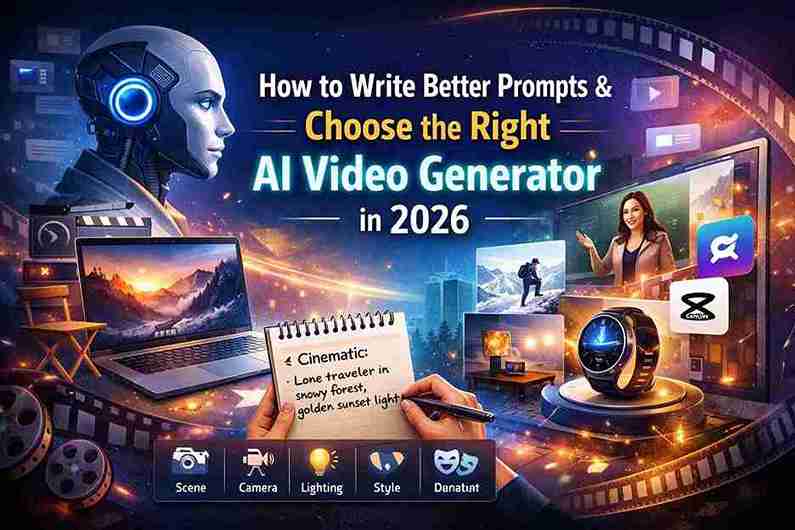
How to Write Better Prompts and Choose the Right AI Video Generator in 2026
In 2026, using an AI Video Generator is easier than ever. But here’s the truth: the tool alone does not guarantee amazing results. Your prompt — the instructions you give — matters even more.
If you understand how to write better prompts and choose the right platform, you can turn simple ideas into professional-looking videos within minutes.
Let’s break it down clearly and simply.
Part 1: How to Write Better Prompts for an AI Video Generator
A strong prompt gives clear direction about:
- Scene
- Action
- Camera movement
- Lighting
- Mood
- Style
- Duration
The more structured your instruction, the better the AI understands what you want.
The Simple Prompt Formula
Use this easy structure:
Subject + Action + Setting + Camera + Lighting + Style + Duration
This formula works for almost every AI Video Generator in 2026.
Example Prompts You Can Copy
🎬 Cinematic Scene
“10-second cinematic shot of a lone traveller walking through a snowy forest, slow dolly in, soft golden sunset light, realistic style, 4K.”
Why it works:
- Clear subject (lone traveller)
- Clear action (walking)
- Clear setting (snowy forest)
- Defined camera move (slow dolly in)
- Lighting (golden sunset)
- Style (realistic)
- Duration (10 seconds)
📱 Social Media Advertisement
“15-second product promo for a smartwatch, clean white background, rotating product shot, upbeat music, modern tech style.”
Why it works:
- Focused product
- Clear background
- Defined motion
- Mood (upbeat)
- Style (modern tech)
Perfect for Instagram, YouTube Shorts, or TikTok.
🎓 Talking Avatar Video
“Professional female teacher explaining maths, medium shot, classroom background, natural lighting, clear lip sync, friendly tone.”
Why it works:
- Character role defined
- Camera framing specified
- Lighting clear
- Tone and delivery described
Great for educational content or online courses.
Practical Tips for Better Results
1️⃣ Start Simple
Do not overload the prompt with too many details at first. Generate a basic version, then improve it.
2️⃣ Use Camera Language
Words like:
- Pan left
- Drone shot
- Close-up
- Wide angle
- Over-the-shoulder
- Tracking shot
These help the AI create professional-looking movement.
3️⃣ Define the Mood
Add emotional tone:
- Dramatic
- Happy
- Mysterious
- Corporate
- Inspirational
Mood changes everything.
4️⃣ Test Multiple Versions
Small changes in wording can create completely different results. Try 3–4 variations.
5️⃣ Upload Reference Images (If Possible)
If your AI Video Generator allows it, upload an image. This helps maintain:
- Character consistency
- Facial accuracy
- Style control
The clearer your instructions, the better your AI Video Generator performs.
Part 2: How to Choose the Right AI Video Generator Tool
Not all AI tools are built for the same purpose. Some are better for cinematic storytelling, others for business videos or social media.
Here’s a simple guide.
🎬 Sora
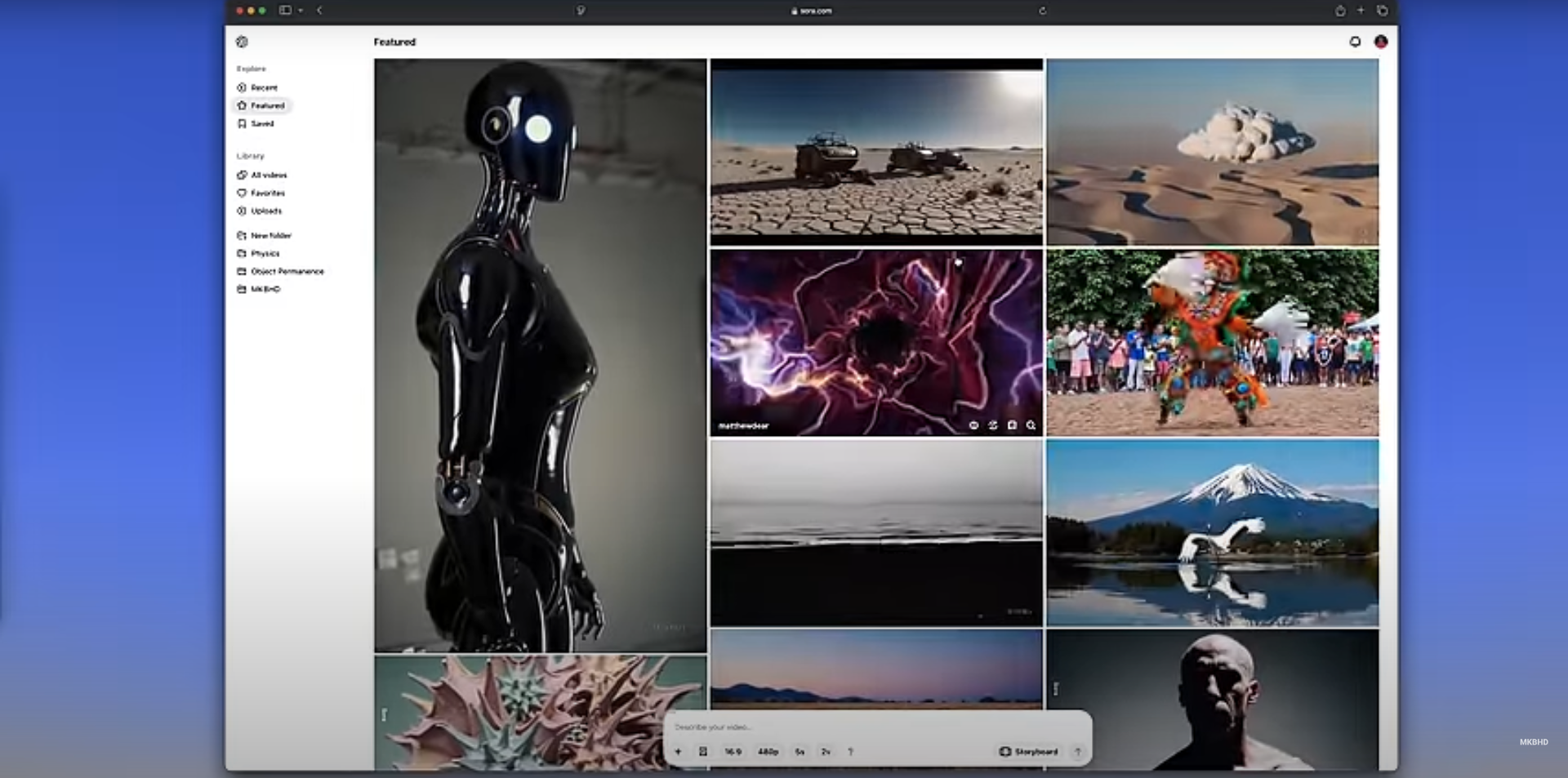

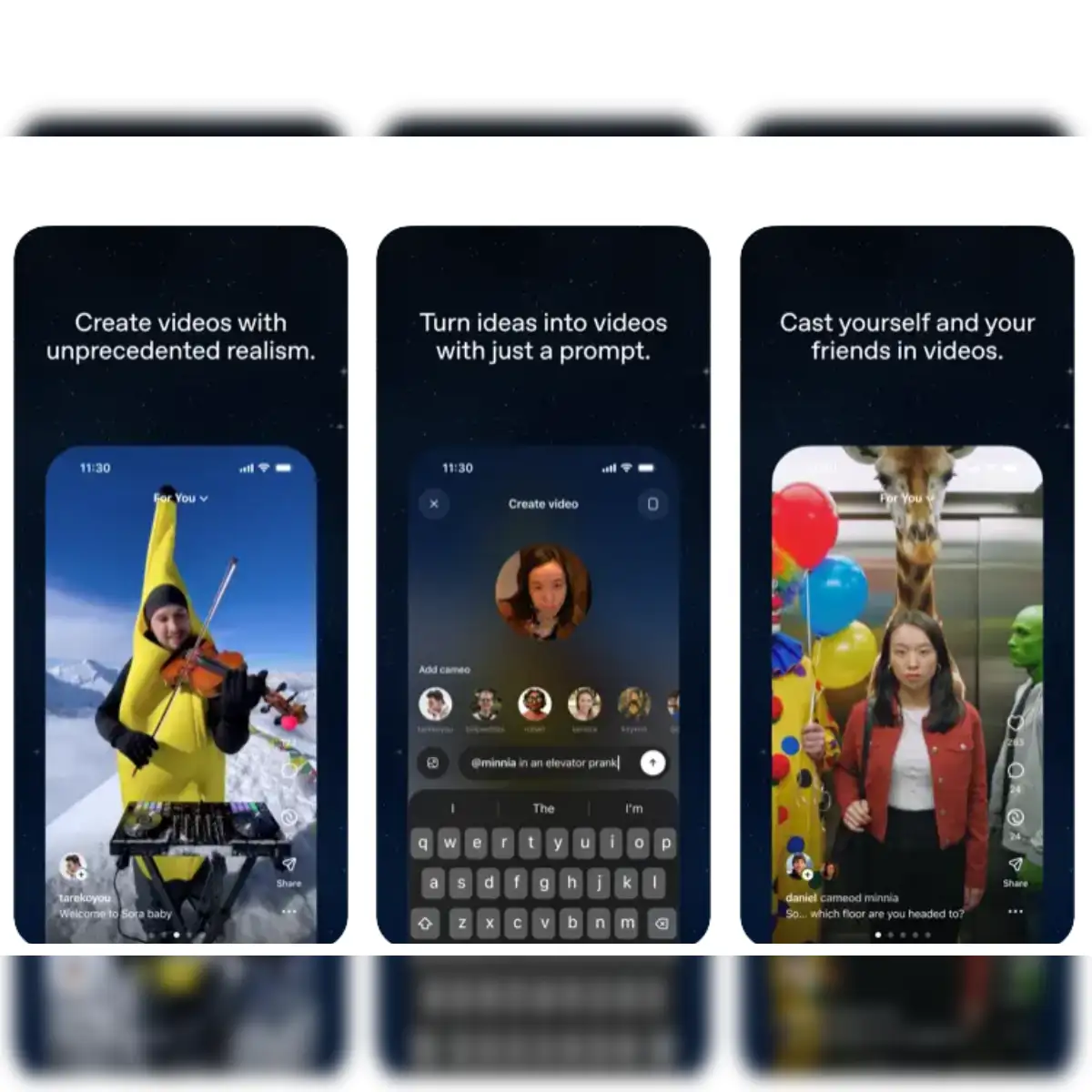
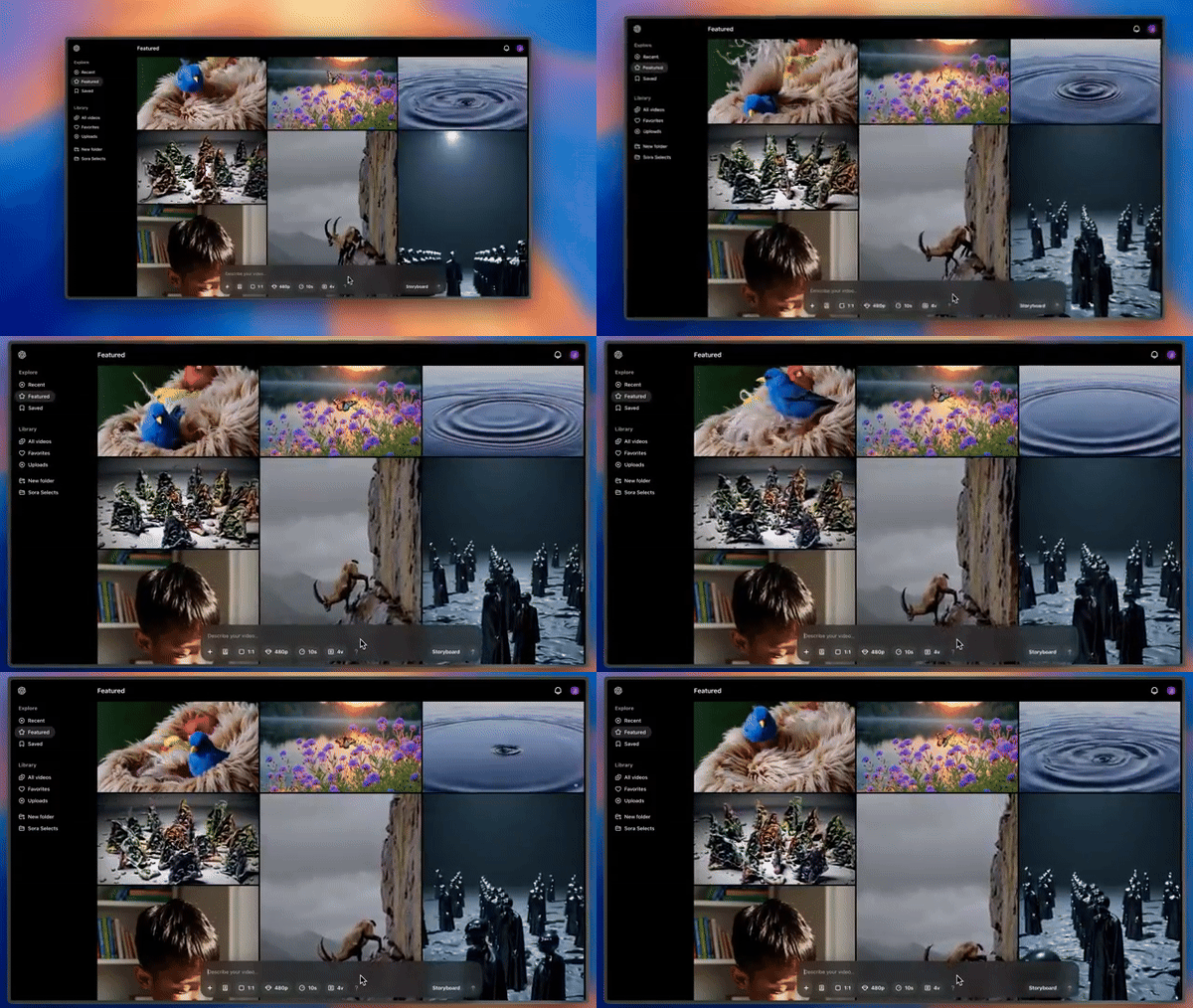
Best for: Cinematic, realistic storytelling
Sora is known for creating detailed and near-realistic scenes directly from text prompts. It is powerful for:
- Short film concepts
- Creative experiments
- High-quality visual storytelling
🎥 Veo
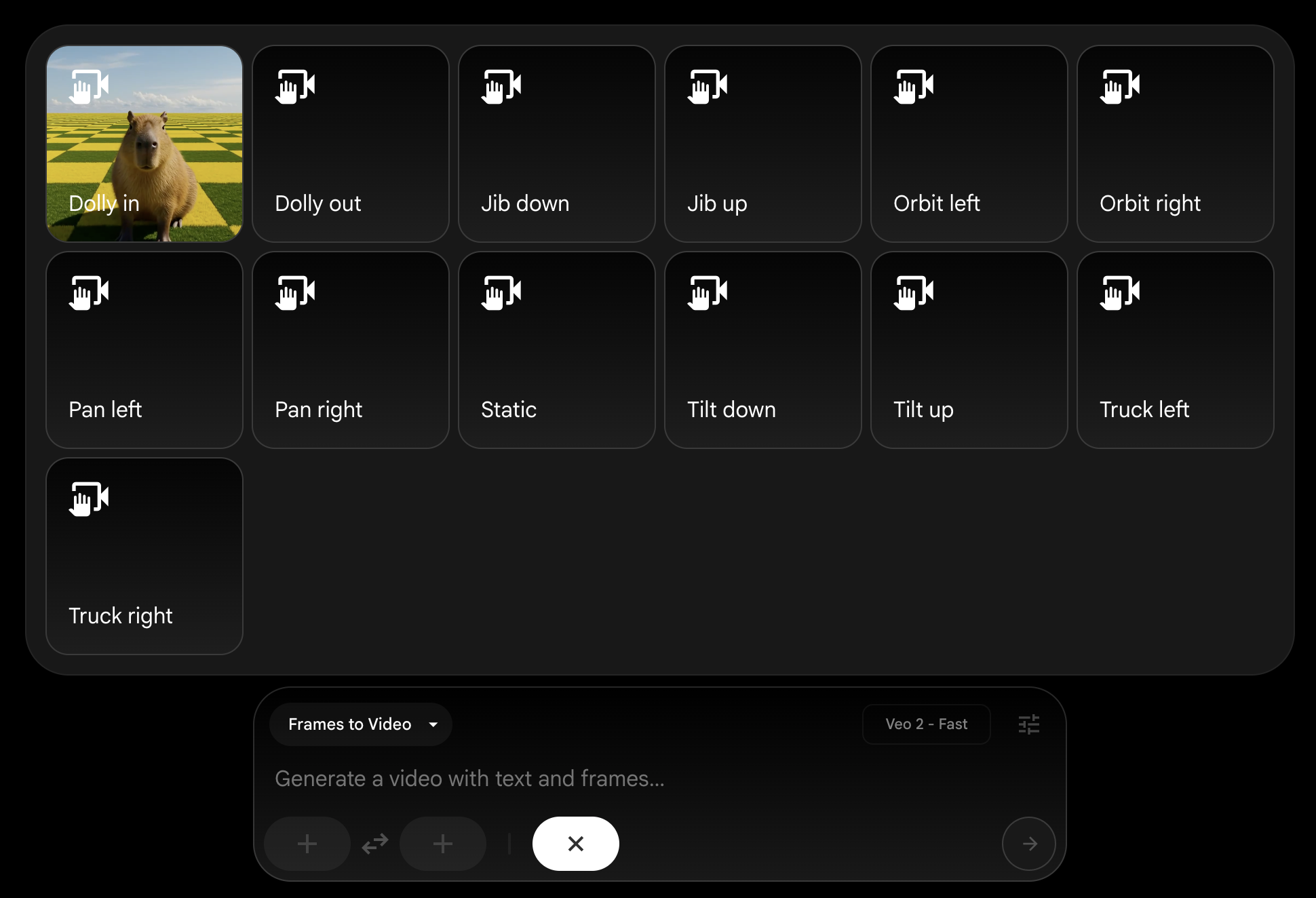
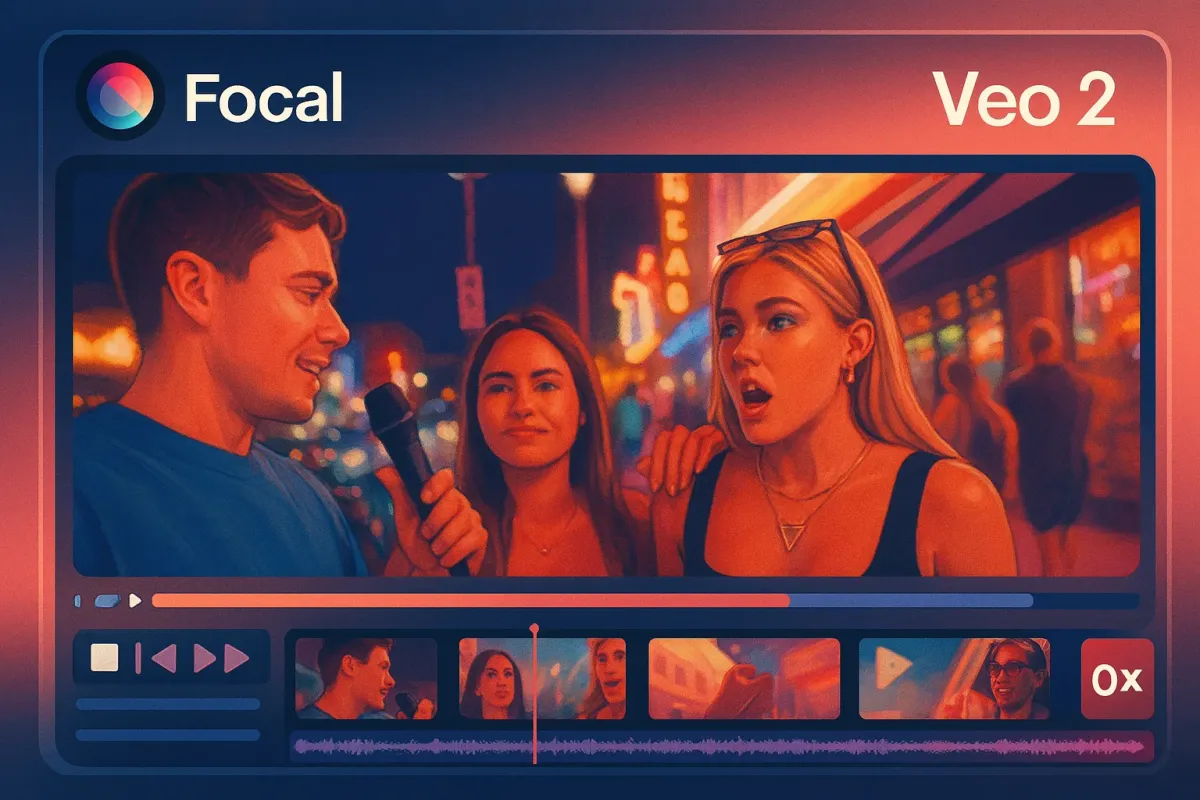
Best for: Professional visuals and strong camera control
Veo understands lighting, movement and cinematic direction very well. It is suitable for:
- Brand films
- High-end creative projects
- Professional marketing content
🎨 Luma Dream Machine

Best for: Artistic and dreamy visuals
Luma creates smooth motion and realistic environments. Great for:
- Storytelling
- Creative reels
- Visual experiments
🎭 Pika
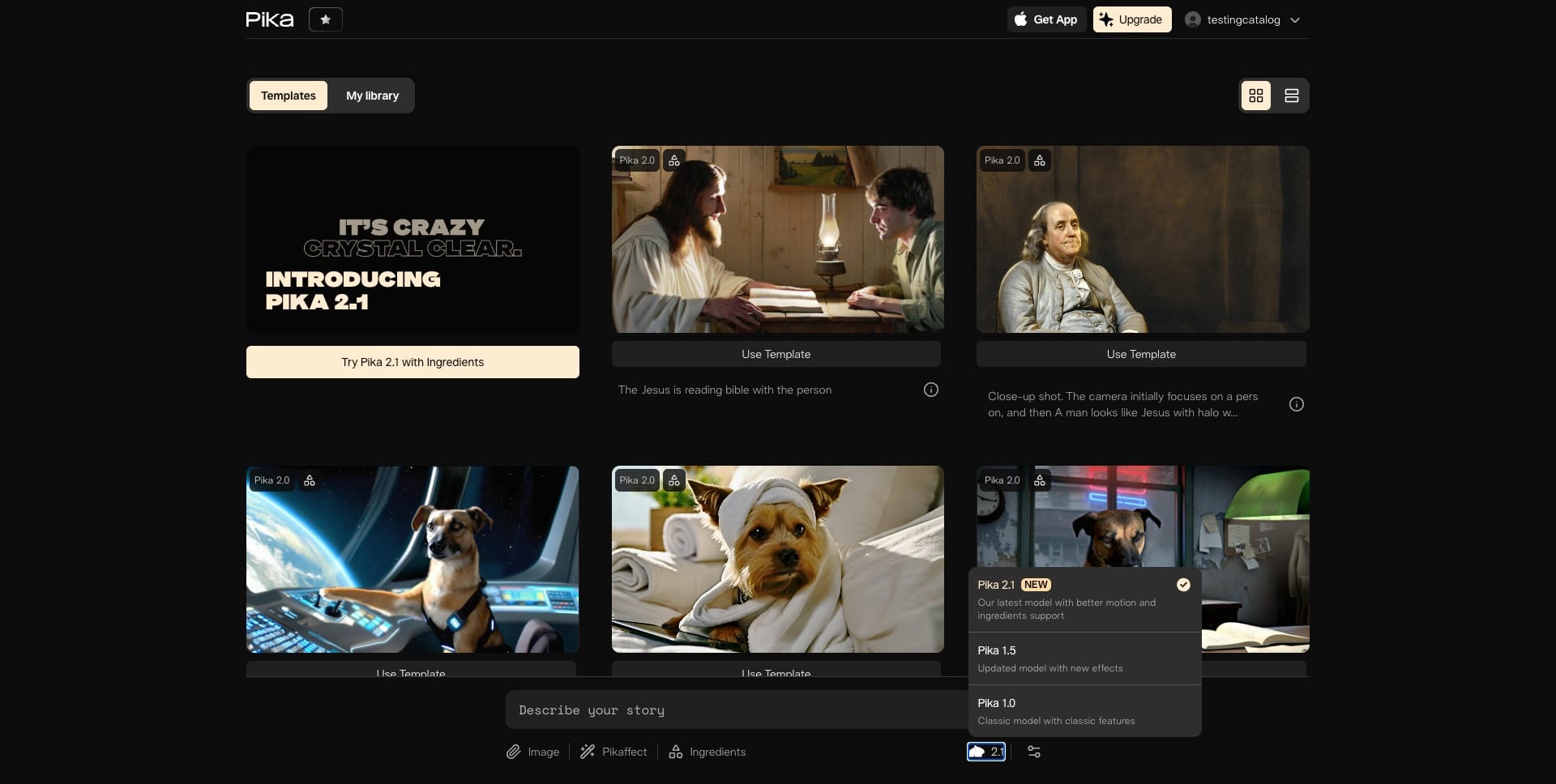
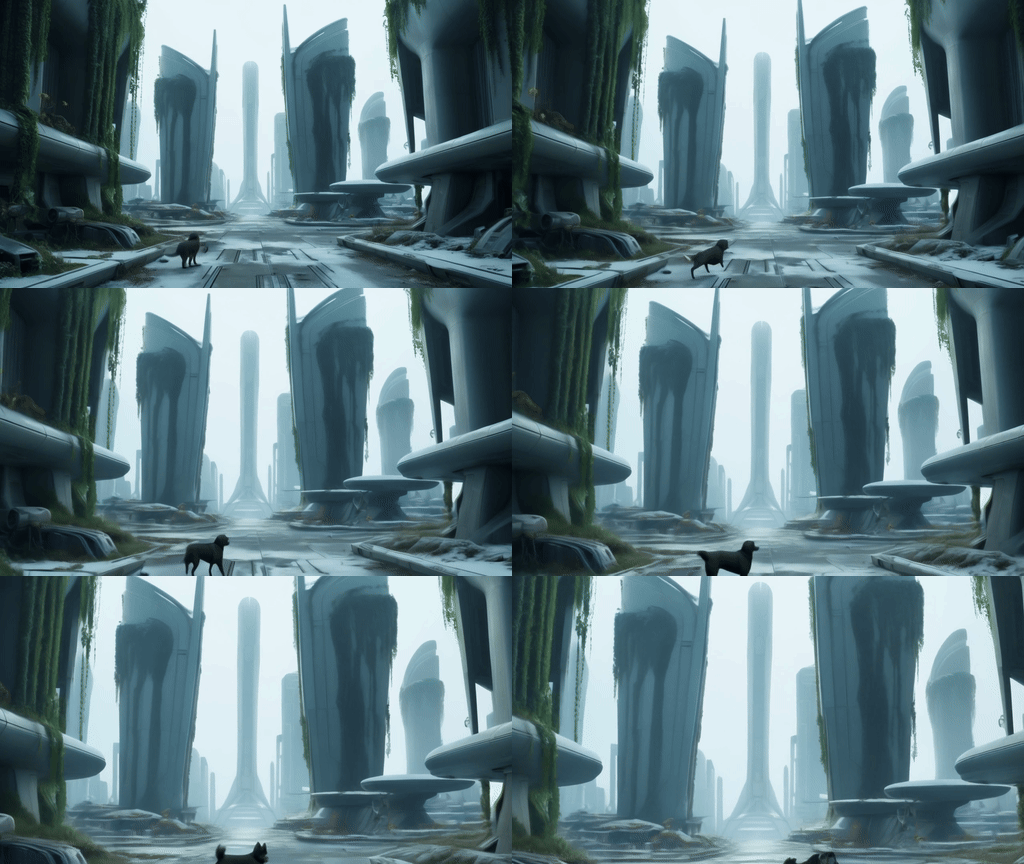


Best for: Fun and stylised social media clips
Pika is fast and creative. Good for:
- Short reels
- Creative edits
- Experimental content
📱 Canva / CapCut


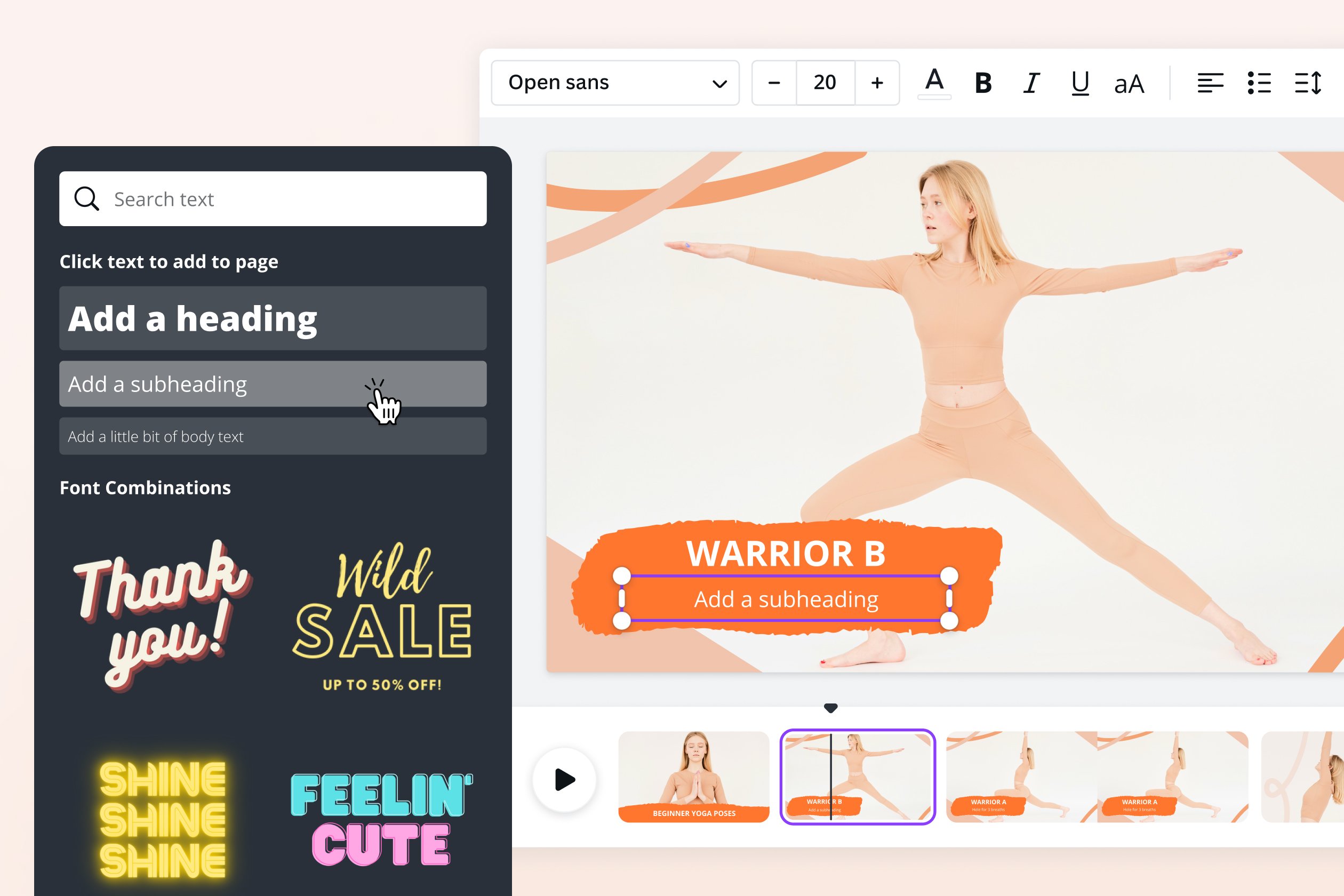
Best for: Beginners, marketers and small businesses
These tools are easy to use and perfect for:
- Product promos
- Business ads
- YouTube Shorts
- Social media posts
Quick Comparison Guide
| If You Want… | Use This |
|---|---|
| Realistic cinematic video | Sora or Veo |
| Artistic, dreamy visuals | Luma Dream Machine |
| Fast social media clips | Pika |
| Simple business promos | Canva or CapCut |
Final Advice
In 2026, an AI Video Generator is like having a small film studio on your laptop.
To get the best results:
- Choose the right tool for your goal
- Write clear, structured prompts
- Experiment and improve step by step
- Use AI responsibly and avoid deepfake misuse
When you combine the right platform with the right prompt, you can create powerful, professional videos — even without cameras, actors or expensive equipment.