You didn’t become a special education teacher to push paper. Yet, you likely spend over 20 hours a week managing IEP documentation, tracking data, and adapting general ed materials.
Thank you for reading this post, don't forget to subscribe!That mountain of paperwork keeps you at your desk until 7 PM, stealing the energy you need for the actual relationship-building your students rely on. Worse, if you try to take a shortcut using standard AI platforms, you risk massive FERPA violations the second you type in student data.
You don’t need a generic chatbot. You need purpose-built tools that understand PLAAFP, SMART goals, and MTSS. In this guide, we break down the seven best AI tools for special education teachers in 2026 that safely cut your prep time in half—without compromising student privacy.
Why Generic AI Fails in the Resource Room (And Risks FERPA Violations)
Most public AI tools train their models on whatever information you type into them. If you drop a student’s reading assessment scores or behavioral notes into a standard prompt, that data is no longer private.
Beyond privacy, generic AI just doesn’t understand the nuance of a special education classroom. It writes overly broad goals that are impossible to measure and lacks the technical vocabulary needed for legally binding documents. To get real help, you need FERPA compliant AI that keeps data locked down and actually understands the mechanics of Specially Designed Instruction (SDI).
The 7 Best AI Tools for Special Education Teachers
Use this quick-reference guide to find the right tool for your specific caseload:
| AI Tool | Best Use Case | FERPA/PII Safe? | Pricing |
| Playground IEP CoPilot | Full-Scope IEP Drafting | Yes (Anonymous input) | Free |
| Almanack AI | IEP-Aligned Activities | Yes | Freemium |
| MagicSchool AI | Accommodation Generation | Yes (With District Agreement) | Freemium |
| Diffit | Differentiated Reading | Yes | Freemium |
| FrenalyticsEDU | MTSS Progress Monitoring | Yes | Paid |
| Claude for Teachers | Class Data Analysis | Yes (No model training) | Free for K-12 |
| Goblin Tools | Task Analysis for Life Skills | Yes | Free |
1. Playground IEP CoPilot (Best for Full-Scope IEP Drafting)
Playground IEP CoPilot is currently the strongest dedicated tool for drafting the heavy components of an IEP. Unlike generic writers, it supports the entire PLAAFP-to-goals-to-services chain.
Why SPED Teachers Love It:
- Drafts complete sections: It builds measurable SMART goals, impact statements, and Behavior Intervention Plans (BIPs).
- Privacy-first: It is built for anonymous input, ensuring no student personally identifiable information (PII) is collected.
- Cost: It is entirely free to use as a standalone browser tool.
The Reality Check: You will still need to manually copy and paste the generated text into your district’s official system to handle the final SEIS integration and formatting.
2. Almanack AI (Best for IEP-Aligned Multi-Sensory Activities)
Almanack is built explicitly for inclusive classrooms and resource rooms. It excels at taking a standard curriculum and generating materials tailored to specific learning disabilities.
Why SPED Teachers Love It:
- Seamless IEP Integration: You can automatically align your lesson plans with individual student IEP goals.
- Multi-Sensory Options: It instantly generates activities that engage visual, auditory, kinesthetic, and tactile modalities.
- Adaptive Resources: You can easily create materials with modified instructions and visual supports tailored to autism spectrum disorders or ADHD.
3. MagicSchool AI (Best All-in-One SPED Suite)
If you want one platform that does a bit of everything, MagicSchool AI is the current favorite. It offers dozens of targeted generators specifically for special educators.
Why SPED Teachers Love It:
- Behavioral Support: Quickly draft functional behavior assessment (FBA) summaries.
- Accommodation Generation: Instantly translate a student’s present levels of performance into actionable, classroom-ready accommodations for general ed teachers.
- District Friendly: They offer robust privacy agreements that keep school districts happy.
4. Diffit (Best for Instant Differentiated Reading Levels)
General ed teachers often hand you a high school-level article and ask you to adapt it for a student reading at a 3rd-grade level. Diffit does this in seconds.
Why SPED Teachers Love It:
- Instant Leveling: Paste in any text, URL, or PDF, and Diffit rewrites it to the exact reading level you need while preserving the core facts.
- Built-in Scaffolding: It generates matching vocabulary lists, summary questions, and graphic organizers to support differentiated instruction effortlessly.
5. FrenalyticsEDU (Best for MTSS & Progress Monitoring)
Data collection is the backbone of special education. FrenalyticsEDU helps you organize that data so you aren’t drowning in binder clips and sticky notes.
Why SPED Teachers Love It:
- Visual Data: It turns raw daily data into clear charts for MTSS progress monitoring.
- Meeting Ready: Generates beautiful, easy-to-read reports that you can show to parents during annual IEP meetings to visually prove student growth.
6. Claude for Teachers (Best for Secure Class Data Analysis)
Anthropic’s Claude offers a specific tier for educators that guarantees your data is never used to train their models. It has a massive context window, meaning it can read huge documents quickly.
Why SPED Teachers Love It:
- Data Analysis: You can upload a massive spreadsheet of class-wide assessment scores, and Claude will identify specific skill gaps across your caseload.
- Secure Environment: Because it doesn’t train on your prompts, it is one of the safest heavy-duty AI processors for educators.
7. Goblin Tools (Best for Task Analysis & Executive Functioning)
Goblin Tools is a delightfully simple, free web app designed specifically for neurodivergent brains. It is incredible for building cognitive accommodations.
Why SPED Teachers Love It:
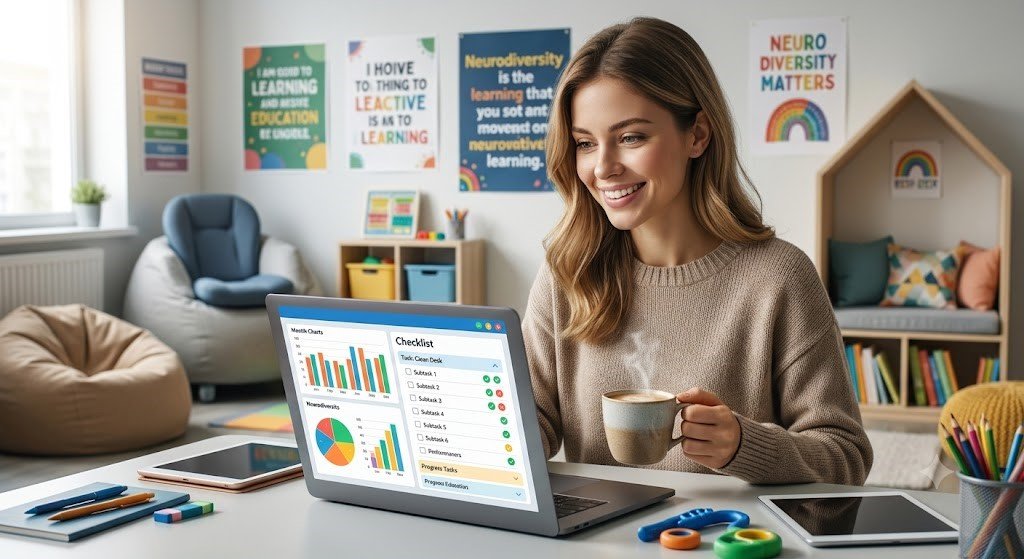
- The “Magic To-Do” List: Type in a broad task (like “Clean out your desk” or “Write a paragraph”), and the AI breaks it down into a granular, step-by-step checklist.
- Tone Adjustment: The “Formalizer” tool helps older students practice adjusting the tone of their emails to teachers or employers, building crucial life skills.
The “De-Identification” Rule: How to Prompt AI for IEPs Safely
Even when using a secure tool, you must practice strict de-identification. Never type a student’s real name, birthdate, or ID number into an AI prompt.
Instead of writing: “Write a reading goal for Michael Smith who reads at 50 WPM,”
Write: “Write a reading goal for Student A, a 4th grader who reads at 50 WPM.”
You add the names back in only after you paste the text into your secure district software.
💡 The SPED Insider Tip: Outsource the Doing, Not the Thinking
AI is incredible at structuring a measurable SMART goal based on baseline data, but AI cannot write a student’s Impact Statement.
An AI doesn’t know that your student shuts down during loud transitions, or that they excel at math when using a slant board. Never ask AI to determine how a disability affects a student’s involvement in the general curriculum. Instead, provide the AI with your raw frequency data (e.g., “Student A initiated task 2/10 times”), let the AI draft the goal structure, and then manually insert your human expertise regarding the student’s daily classroom reality. The golden rule of AI in special education is: Let the AI do the formatting, but you must own the narrative.
4. Q&A Section
Is it legal to use AI for writing IEPs?
Yes, but only if you strip all Personally Identifiable Information (PII) from your prompts before using the AI. Your final document must still be reviewed and finalized by a human educator to ensure it meets federal IDEA standards.
What is the best AI for writing IEP goals?
Playground IEP CoPilot and MagicSchool AI are currently the top choices because they are specifically programmed to format goals using the SMART framework (Specific, Measurable, Attainable, Relevant, Time-bound).
Can AI track student progress for special education?
Tools like FrenalyticsEDU can analyze the raw data you collect and generate progress charts. However, the AI cannot collect the data for you—you still need to track daily classroom behaviors and academic markers yourself.